
2 years
−62%+6 months free
190 ₽per month
5 700 ₽ in total
Buy for 5 700 ₽Updated
Connect Bebra PROXY on your iPhone to another country, restart TikTok, and the app loads through that country instead of your local network. If the feed still looks the same, your SIM card may be the reason.
iOS 15.5 and newer · version 1.21.0
Get Bebra PROXY for iPhone from the App Store. It needs iOS 15.5 or later, and the same download works on iPad.
Open the app, no sign-up needed, and tap a country tile. If the account has no subscription yet, you’ll see the Buy Bebra VPN sheet first. On your first connection iOS asks to add a profile. Allow it and confirm with your passcode, which you only do once.
If TikTok was open, restart it so it loads over the new connection.
First check that Bebra PROXY still reads Connected to and a country under its title. If it does, the cause is probably outside the PROXY.
Bebra PROXY changes the IP address TikTok sees. Your SIM card and the region set in iOS stay the same, and TikTok looks at both. If your SIM is from a country where TikTok is restricted, the app may still hide some new videos. We wouldn’t switch the phone’s region just for TikTok. Safari can’t see the SIM card, so tiktok.com in Safari is a quick way to tell whether the SIM is the problem.
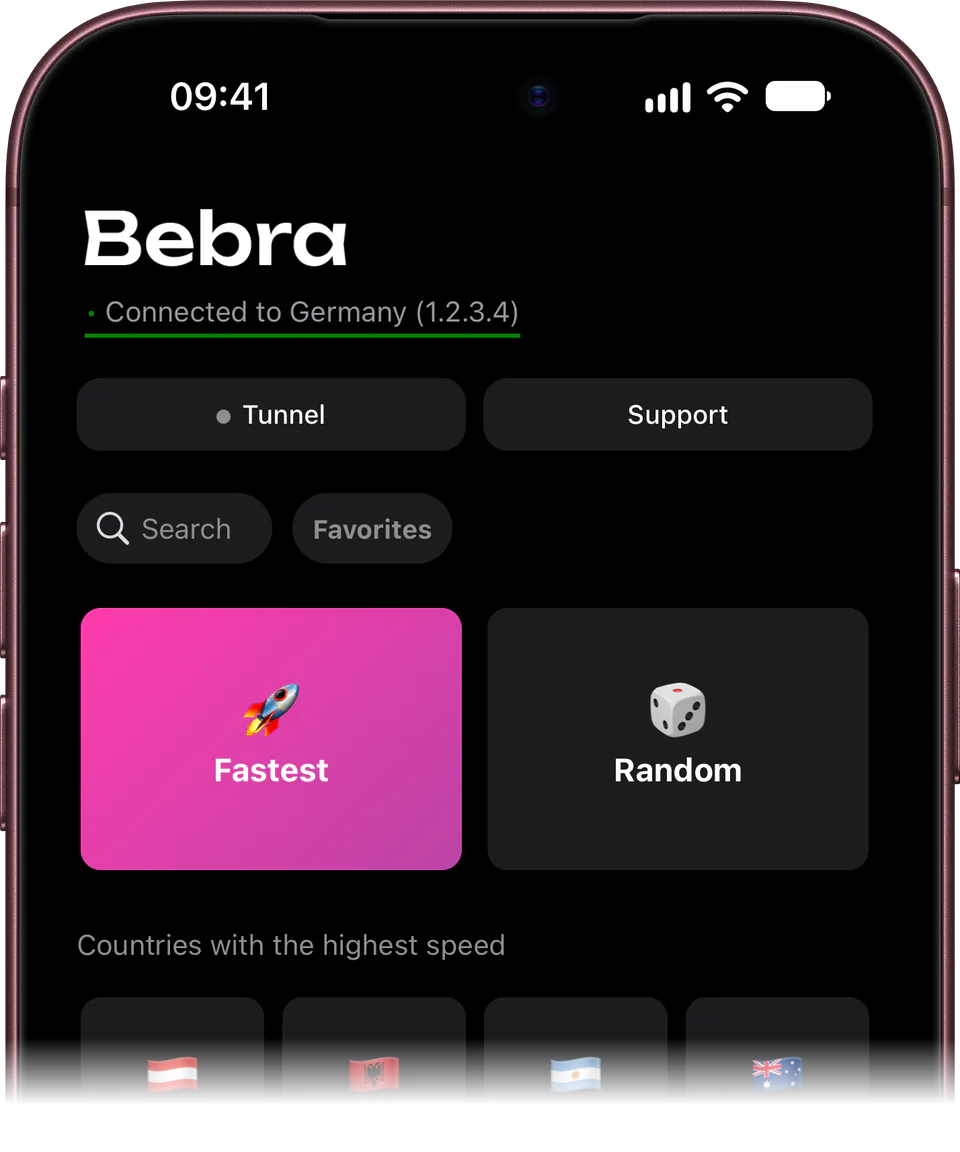
Subscribe in the app through the App Store or here on the website. Either way, the same account works on your iPad and computer too.
+6 months free
190 ₽per month
5 700 ₽ in total
Buy for 5 700 ₽350 ₽per month
4 200 ₽ in total
Buy for 4 200 ₽500 ₽per month
Billed every month
Buy for 500 ₽3 days of full access, then 500 ₽ per month. The subscription renews automatically.
No. The six extra months come only with payment on the website or in our Telegram bot.
In Bebra PROXY, open Account → Sign out, then choose Sign in with Email and enter the address you paid with. A 6-digit code arrives by email.
Not app by app. That option exists only on Android. On iPhone, Tunnel → Manual takes a list of domains, IP addresses or subnets that go direct. The Android page covers the per-app option.
Yes. On tiktok.com you upload a finished video from the browser, and the page about TikTok on a computer walks through it.