
2 years
−62%+6 months free
190 ₽per month
5 700 ₽ in total
Buy for 5 700 ₽Bebra PROXY runs on Android 10 and newer. Install it from Google Play and it updates along with your other apps, or use the APK under the button if your phone has no Play Store or the store won’t open.
Android 10 and newer · version 1.21.0
Other options APK fileYandex Cloud mirror
Updated
Apps outside the tunnel. In Tunnel, choose Manual, and a list called Apps that bypass the VPN appears below it. Tap Select apps and tick the ones that should reach the internet directly. This helps with banking, taxi or streaming apps that refuse foreign IP addresses.
Long address lists. Tunnel can also route addresses around the PROXY, either your own list or the built-in For Russia mode. On Android 10–12, a long list may only be applied in part. The app then tells you how many entries took effect.
Staying on in the background. Some phone makers close a PROXY to save battery. If the connection drops while the screen is off, go to Account → Settings and tap Add to exceptions in the Battery saving block. That block stays visible until Bebra PROXY is on the exceptions list.
TVs need a separate build, covered on the Android TV page. Many Huawei phones ship without Google Play, and they have a guide of their own.
Split tunneling
In this mode, traffic to the listed IP addresses, subnets and domains will go directly, bypassing the PROXY.
Tap APK file under the Google Play button, on the phone itself. If the download doesn’t start, use the Yandex Cloud mirror link next to it.
Tap the file in your downloads. If the browser isn’t allowed to install apps yet, Android opens the right setting. Turn it on and go back to the installer.
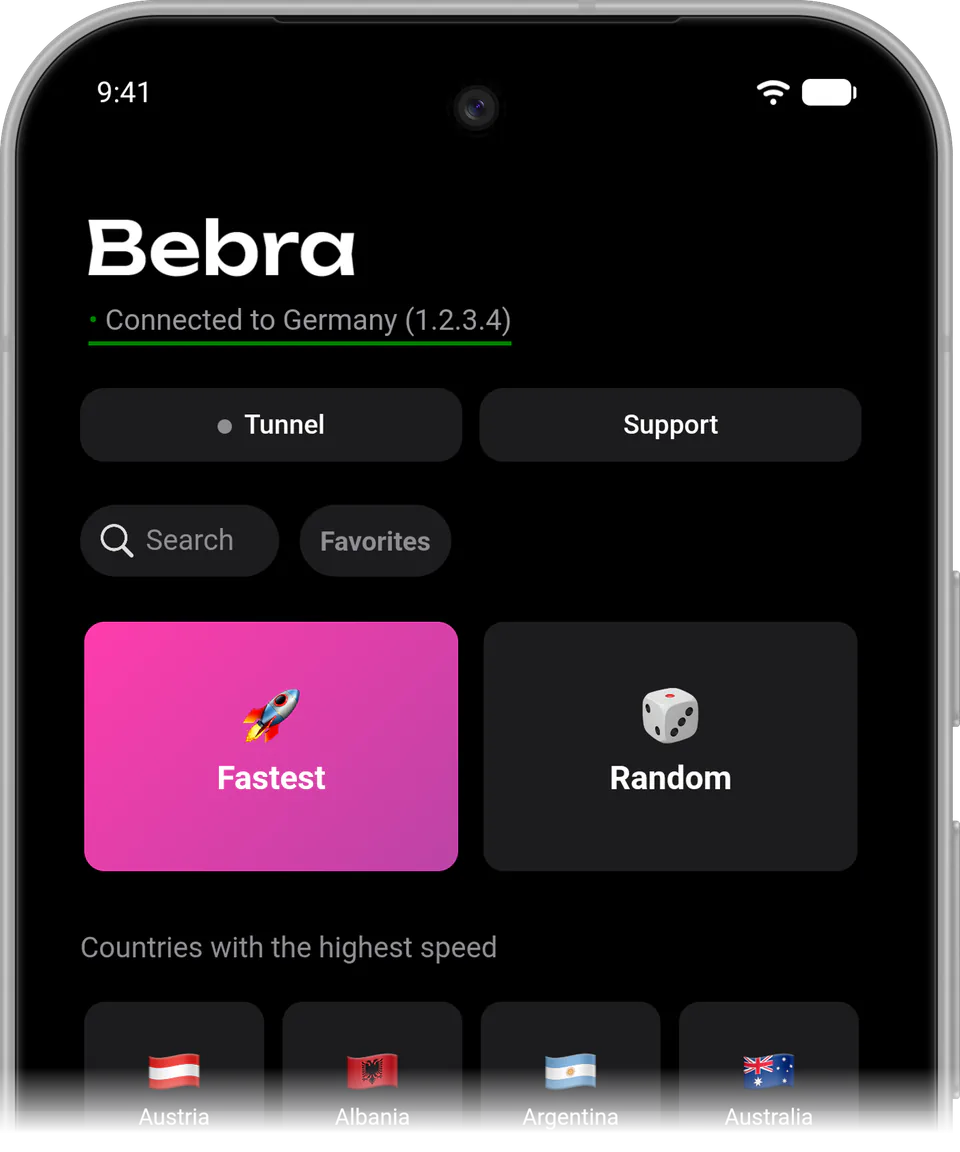
The app starts as a guest right away, with no sign-in screen. Tap any flag or the Fastest tile. A new guest has no subscription, so the Buy Bebra VPN sheet with the trial and plans comes up first. If you’ve paid before, choose Already have a subscription? → Sign in to account there.
On the first connection, Android asks for permission to set up a VPN connection. Accept it and the app connects.
In the Google Play version you can also subscribe inside the app. A plan bought here on the website works in either version.
+6 months free
190 ₽per month
5 700 ₽ in total
Buy for 5 700 ₽350 ₽per month
4 200 ₽ in total
Buy for 4 200 ₽500 ₽per month
Billed every month
Buy for 500 ₽3 days of full access, then 500 ₽ per month. The subscription renews automatically.
Check whether Android’s “Block connections without VPN” option is on in the system VPN settings. While it’s on, nothing that bypasses the tunnel can get online. Bebra PROXY shows a warning about this under the mode picker in Tunnel.
No, it’s the same app, meant for phones without the store. Don’t install it over the Google Play copy, because it may fail to install.
Download the new file from this page and open it. The new version replaces the old one and your account stays the same, so there’s no need to uninstall Bebra PROXY first. The current version number is printed under the download button, and the app shows its own on the About tab.
Visa and Mastercard cards and crypto. At checkout, use the e-mail linked to your Bebra PROXY account. If you’ve been using the app as a guest, tap Account → Link e-mail first.